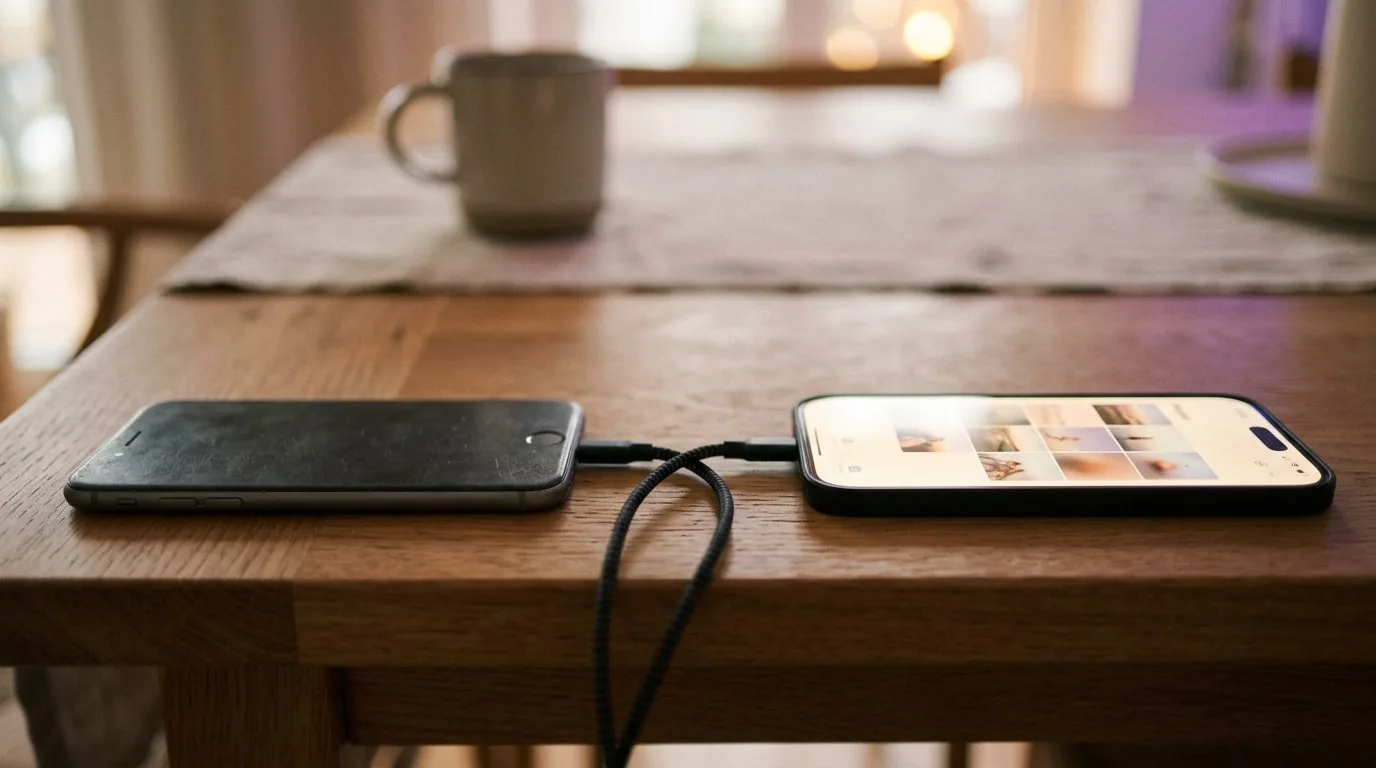
New phone setup, without the panic.
The number one fear we hear about any new phone setup is losing pictures. Ten years of grandkids, a wedding, the dog as a puppy, all sitting on a phone that is about to be traded in. It is a fair worry. Transfers do go wrong, usually because someone wiped the old phone before checking that everything had arrived on the new one.
So we do it in the opposite order. We make sure everything you care about is on the new phone, and you have seen it there, before the old phone is touched. Nothing gets wiped without your say-so, you can watch the whole process, and only the things you want come across.
How we transfer data to a new phone
iPhone to iPhone, or Android to Android
Staying with the same kind of phone is the simplest move. With both phones side by side, the built-in transfer tools copy most of your settings, apps, photos and messages across. The usual snag is storage. If your old phone is backed up to an account that is already full, the newest photos may never have been saved. We check that before anything starts.
Android to iPhone transfer, or back
Moving between the two systems carries your photos, contacts and most of your messages. Some apps need their own extra step, and you will know which ones before we begin. Chat apps like WhatsApp have their own transfer step. Banking apps and the apps that send login codes usually need you to sign in again on the new phone, sometimes with a code sent to your old number or email, which is one more reason the old phone stays untouched until the end.
Know where your photos live
Before any move, it helps to know where your photos actually live. Some people have every picture backed up to iCloud or Google Photos. Others have them only on the phone itself, which means the transfer is moving the one and only copy. Either is fine, as long as we know which, and as long as nothing is wiped until you have seen your photos on the new phone with your own eyes.
The things people forget
Saved passwords. The two-step login codes for your email. The photo albums shared with family. The ringtone you have had since 2015. We go through these with you, so the first day with the new phone feels familiar instead of a week of discovering what went missing.
Phone screen repair and battery replacement
A cracked screen or a tired battery does not have to mean a new phone. We handle iPhone screen repair, iPhone battery replacement and the same jobs on many popular Android models, so a good phone keeps going. For phone repair in Nashville, add the model to the request form and we will explain what the job involves.
How do you know a battery is the problem? A phone that dies by mid-afternoon, shuts itself off with charge still showing, or runs warm doing nothing much is usually telling you. On an iPhone, the battery health screen in Settings gives a good hint. And if the repair would cost close to what the phone is worth, we will say so, and help you move to a new one instead.
Keeping the new screen in one piece
Once a screen is fixed, a decent case and a screen protector are the cheapest insurance there is. Most cracks start at a corner after a drop onto a hard floor, and a case with raised edges takes the hit instead of the glass.
Lessons at your pace
Plenty of people do not need a repair. They need someone patient to show them how the thing works. Our one-on-one lessons work like private iPhone classes for seniors, with Android covered too, and they go at your pace, from sharing photos and joining a video call with the grandkids, to making the text bigger and the ringer louder.
Teaching seniors to use their phones is some of our favorite work. Every lesson is one person, one Geek and no hurry, and the steps you want to keep get written on paper so they are still there next week. Nobody is made to feel dumb for asking the same question twice.
Making the phone easier to use
Small changes make a big difference for a lot of people. Bigger text. A louder ringer. Fewer apps on the home screen, with the ones that matter in the same place every time. Favorite contacts one tap away. We set those up with you, then show you how to change them back if you ever want to.
Cleanup and safety
Phones fill up and slow down. We clear out storage, so there is room for new photos again, and tidy up the apps you no longer use. We also block scam calls and set privacy settings the way you want them: who can see your location, which apps can use the microphone, what shows on the lock screen.
Scam calls and texts are the other half of phone safety. The fake delivery text, the call claiming to be your bank, the message asking you to read back a code. A simple rule covers most of them: nobody legitimate will ask you to read out a code that was just sent to your phone. We walk you through the common ones so you can spot them yourself.
What to have ready before we arrive
A transfer goes faster when a few things are on hand. Both phones charged. The passcode for each. The password for your Apple or Google account, because the new phone will ask for it. If you are not sure what any of those are, do not worry. Mention it on the form and we will help you track down or reset them before the transfer. Plenty of people have not typed that account password in years.
When the old phone is done
Only when you say so, the old phone gets wiped properly, ready to trade in, sell or pass to someone in the family. That means signing out of your Apple or Google account first. Skip that step and the next owner can be locked out of the phone, which can get a trade-in rejected.
House calls cover Nashville and the surrounding towns every day of the week, and the job is priced as a flat quote you agree to first.
Phones are one piece of the puzzle
A new phone is often the moment people notice everything else. If the photos also need a safe home on the computer, or the computer itself is struggling, see our computer repair service. Camera and doorbell apps live on the phone too, and we set those up on every phone in the house with our security camera and smart home installs. If video calls freeze in some rooms, that is a job for our WiFi and networking service.
Browse all our services, or tell us about your phone and a real person will reply today.